

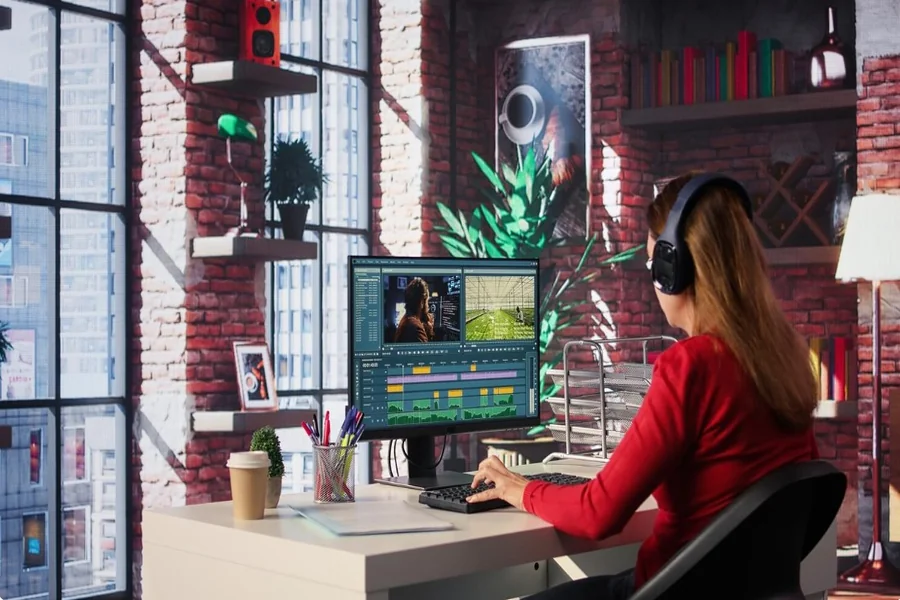
Have you ever watched an animated show or movie and felt happy seeing smooth movement, bright colors, and clear scenes on the screen? Many people enjoy animation because it looks lively and pleasant to the eye. Behind these visuals, there is a smart use of animation technology that helps creators show stories cleanly and attractively. Animation technology keeps improving day by day and helps visuals feel more natural, detailed, and enjoyable for viewers of all ages.
The Role of Technology in Modern Animation
Animation today feels more polished because technology supports artists at every step. From drawing characters to showing full scenes, digital tools help keep visuals neat and consistent. This support allows creators to focus more on creativity and storytelling while technology handles precision and smooth flow.
Digital Drawing Tools
Digital drawing tools allow artists to sketch characters and scenes on tablets and computers. These tools help keep lines smooth and colors even. Artists can easily adjust shapes, shades, and details without starting again. This saves time and keeps visuals clean.
Layer-Based Animation
Layer systems help animators work on different parts of a scene separately. Backgrounds, characters, and effects stay on their own layers. This method keeps visuals clear and helps movements look smooth and well-timed.
Smooth Motion Through Animation Software
Movement is a key part of animation visuals. Technology helps movement feel natural and pleasing.
Frame Management
Animation software helps manage frames properly. Artists can control how fast or slow a character moves. This keeps actions flowing nicely and avoids sudden jumps. Smooth frame control supports clear storytelling.
Motion Tools
Built-in motion tools help create walking, running, or flying actions easily. These tools guide movement paths and timing. As a result, scenes look steady and enjoyable to watch.
Color and Lighting Improvements
Color and light make a big difference in how visuals feel. Technology helps manage both in a balanced way.
Digital Coloring Systems
Digital coloring tools allow artists to pick exact shades and keep them consistent. This helps characters look the same in every scene. Soft shading and highlights add depth while keeping visuals pleasant.
Lighting Effects
Lighting tools help show time of day, mood, and focus areas in a scene. Gentle lighting effects make scenes feel warm and clear. Technology helps keep lighting balanced without overpowering the visuals.
Background and Environment Design
Backgrounds set the mood and space of animation. Technology helps create detailed and steady environments.
Digital Background Creation
Artists use software to draw or paint backgrounds digitally. This allows fine details like skies, buildings, or natural elements. Digital backgrounds stay sharp and clear on different screen sizes.
Reusable Assets
Technology allows creators to reuse background parts. This keeps scenes consistent and saves effort. Reusing assets also helps maintain visual harmony across episodes or scenes.
Character Design and Expression
Characters connect viewers to the story. Technology helps show emotions clearly and smoothly.
Facial Expression Tools
Animation software includes tools for facial expressions. Small changes in the eyes, mouth, or eyebrows can be shown easily. This helps characters express feelings naturally.
Body Movement Control
Digital rigs help control body parts like arms and legs. These rigs make movements look fluid and balanced. Characters appear lively and comfortable on screen.
Sound and Visual Sync
Visuals feel complete when they match sound. Technology helps keep both in harmony.
Lip Sync Systems
Lip sync tools match mouth movement with dialogue. This keeps speech clear and believable. Proper sync helps viewers enjoy conversations without distraction.
Action and Sound Timing
Sound effects like footsteps or background music match actions using timing tools. This creates a smooth flow between what viewers see and hear.
High-Resolution Output
Clear visuals depend on output quality. Technology supports sharp and bright final results.
HD and 4K Support
Modern animation tools support high-resolution formats. This keeps visuals clear on large screens and small devices. Details remain visible, and colors stay vibrant.
Scalable Visuals
Technology allows visuals to adjust to different screen sizes. Animation looks clean on phones, tablets, and TVs without losing clarity.
Role of Rendering Technology
Rendering turns animation work into final visuals. Advanced systems help this process stay smooth.
Faster Rendering Systems
Improved rendering tools process visuals quickly. This helps creators review work often and make small changes easily. Fast rendering supports better final output.
Visual Consistency
Rendering systems keep colors, lighting, and textures steady across scenes. This consistency makes the animation feel polished and comfortable to watch.
Online Platforms and Animation Sharing
Technology also helps share animated content with viewers.
Streaming Support
Animation files are optimized for streaming platforms. This keeps playback smooth and visuals sharp, even with different internet speeds.
Online Communities
Creators and fans share animation clips and ideas online. Bookmarking useful content helps to have easy access later. For example, some people enjoy browsing casual entertainment links like slot mahjong gacor during free time, along with animated content.
Gaming and Animation Visuals
Animation technology also supports gaming visuals, making games feel lively.
Real-Time Animation
Games use real-time animation tools to show actions instantly. This keeps visuals responsive and smooth during play.
Character and Effect Design
Game characters and effects use animation tools for movement and visual flow. Many users enjoy casual gaming content such as slot mahjong because visuals feel smooth and pleasant due to animation support.
Learning and Skill Development
Technology helps new artists learn animation easily.
User-Friendly Software
Modern tools come with simple layouts and guides. Beginners can learn step by step and improve skills steadily.
Practice and Feedback
Artists can preview work instantly and adjust visuals. This helps learning feel smooth and rewarding.
Long-Term Visual Comfort
Good visuals support long viewing sessions.
Eye-Friendly Design
Balanced colors and smooth motion reduce strain. Technology helps maintain visual comfort for viewers.
Stable Visual Flow
Consistent animation flow keeps attention steady. Viewers enjoy watching without feeling tired.
Final Thoughts
Animation technology plays a big role in supporting better visuals. From drawing tools and motion control to lighting, sound sync, and rendering, every part works together to create clean and pleasing animation. These tools help artists share stories in a clear and lively way. As technology keeps improving, animation visuals continue to feel smoother, brighter, and more enjoyable for everyone watching.
